Find the exact moment.
Move cues, drag their edges, or type a precise timecode. Adjust the whole track with offsets and two-point synchronization.
A focused subtitle workspace for the details that make a story feel finished. Edit, sync, and preview—right in your browser.
A little closer.
再靠近一点。There is a world in the details.
细节里,藏着一个世界。Take a moment to notice.
留心这一刻。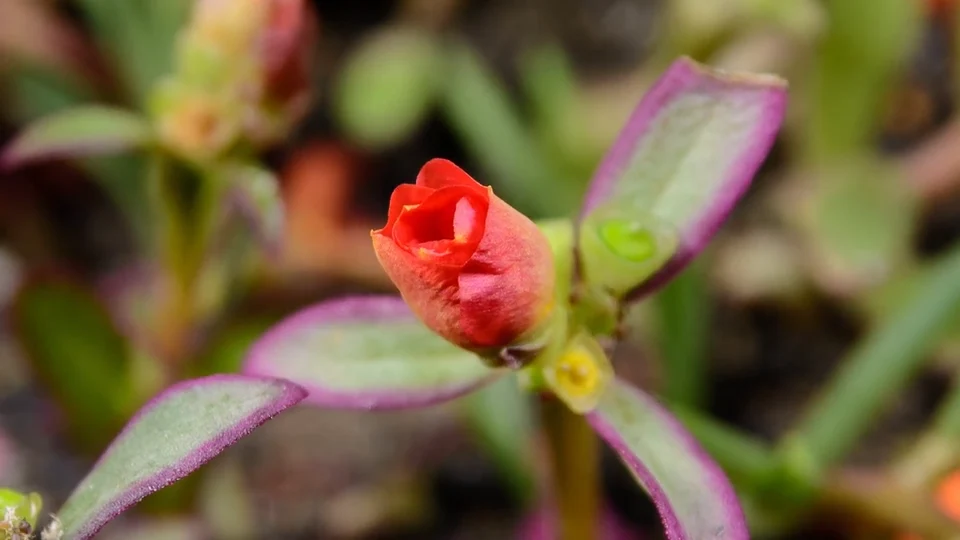
There is a world
in the details.
细节里,藏着一个世界。
Everything you need to make captions feel natural, in one thoughtfully arranged workspace.
Move cues, drag their edges, or type a precise timecode. Adjust the whole track with offsets and two-point synchronization.
Edit a secondary language by hand and see both lines on your video. You bring the translation; the studio keeps it in sync.
Split, merge, refine. Undo when you need to. Local drafts and project backups keep your next session within reach.
Three focused tools.
The same precise subtitle engine.
Your local video plays directly in your browser. It never travels to a server. Subtitles and drafts stay on your device, too.
No. Local MP4 and WebM files play through a temporary browser URL. Your file is not uploaded. The bundled demo video is a public CC0 sample.
Yes. Each cue has primary and secondary text fields. Type or paste your own translation, preview both languages, and export both lines or one language. There is no automatic translation service.
Subtitle text, timings, project name and preview settings are saved in this browser using IndexedDB. Video files are not saved; relink your video when you return. Download a JSON project backup for a portable copy.
SRT and VTT exports are separate subtitle files. They do not burn subtitles into your video. Load the exported subtitle file alongside your video in a supported player or publishing platform.
Local videos can be up to 4 GB. Subtitle files can be up to 5 MB and 10,000 cues. Browser codec support and device memory affect playback. A smaller editing copy can help on mobile.